4.2 Viewing Filing Results
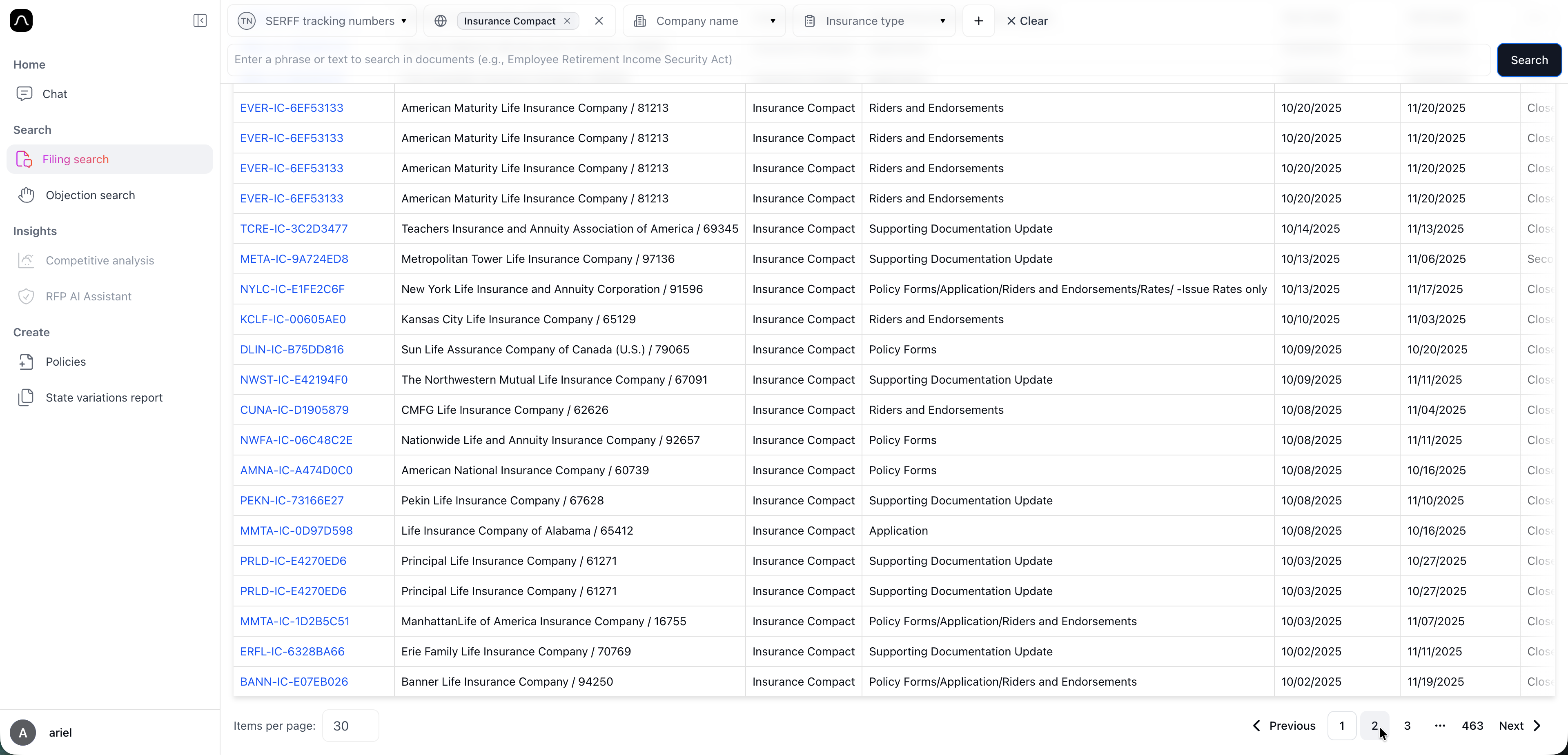
Once you apply filters and click search, Blaise displays a list of matching filings. Each result shows key details to help you quickly understand the filing without opening it:
- SERFF Tracking Number
- Company name
- State submitted
- Filing type and purpose
- Submission and disposition dates
- Status information
You can click any filing in the list to open the full filing view. From there, you can review documents, submission details, or send documents to Chat for deeper analysis.
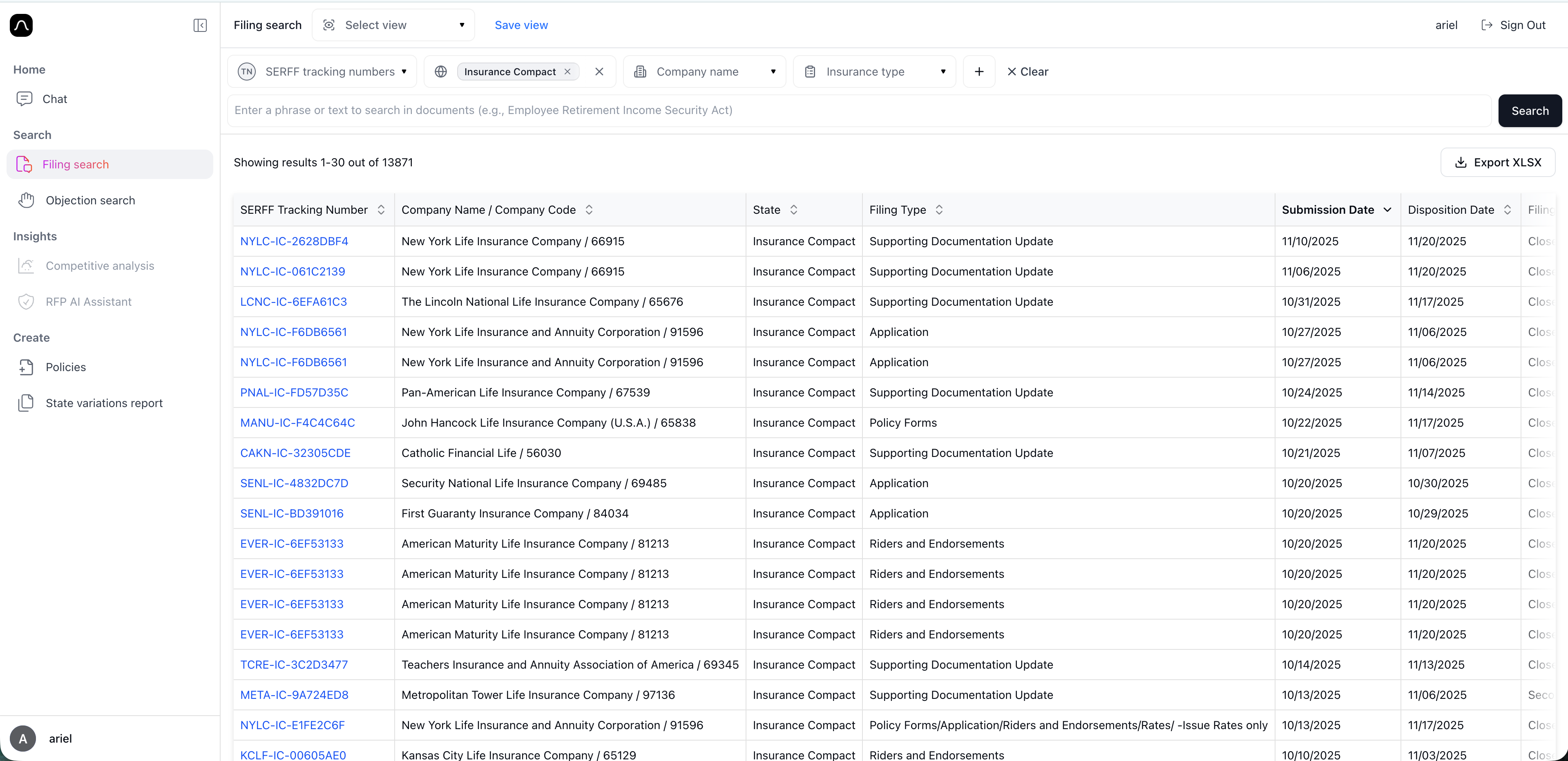
🧠 Tip 1: Total number of results is shown above the table
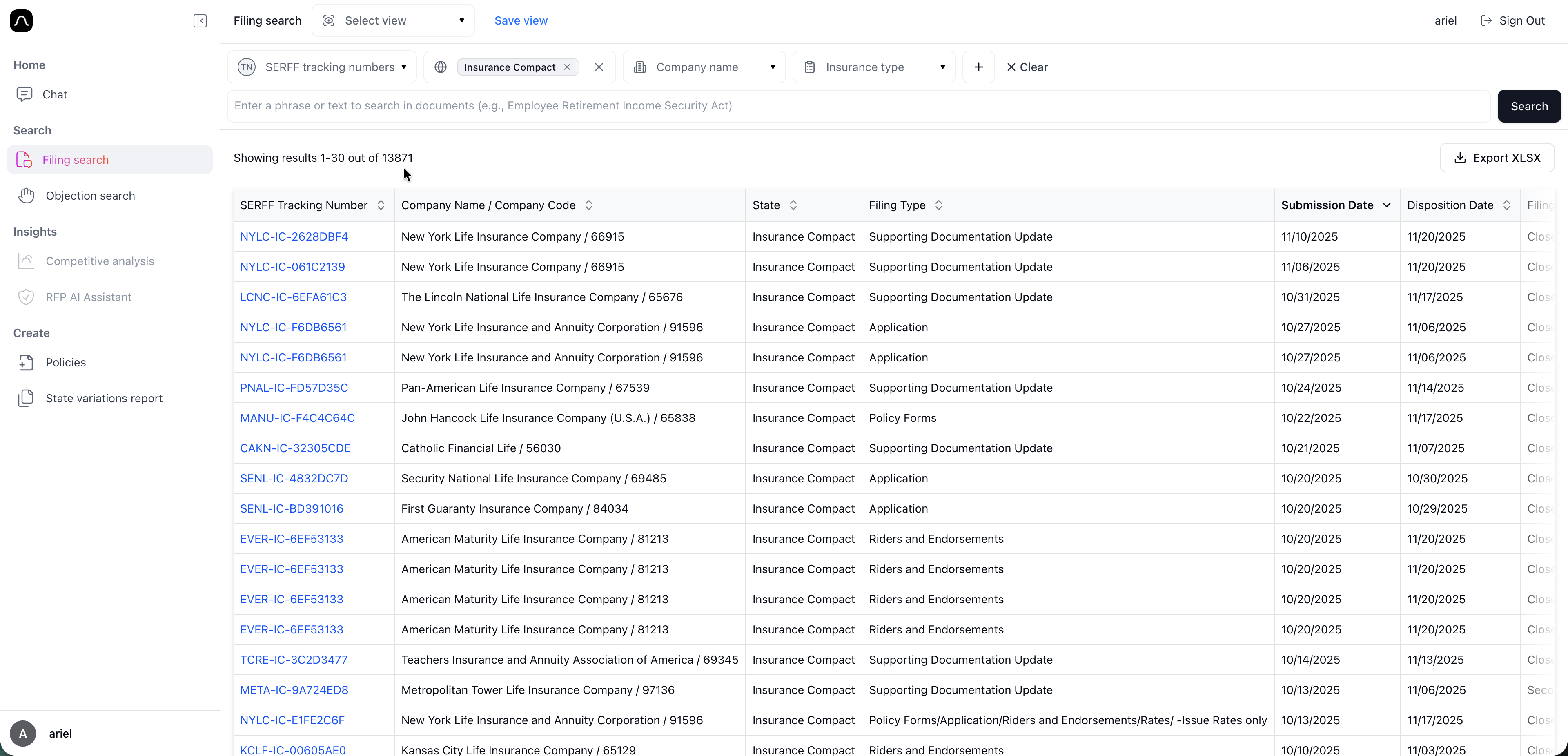
🧠 Tip 2: Sort results by clicking any column header (Click twice to reverse sort order)
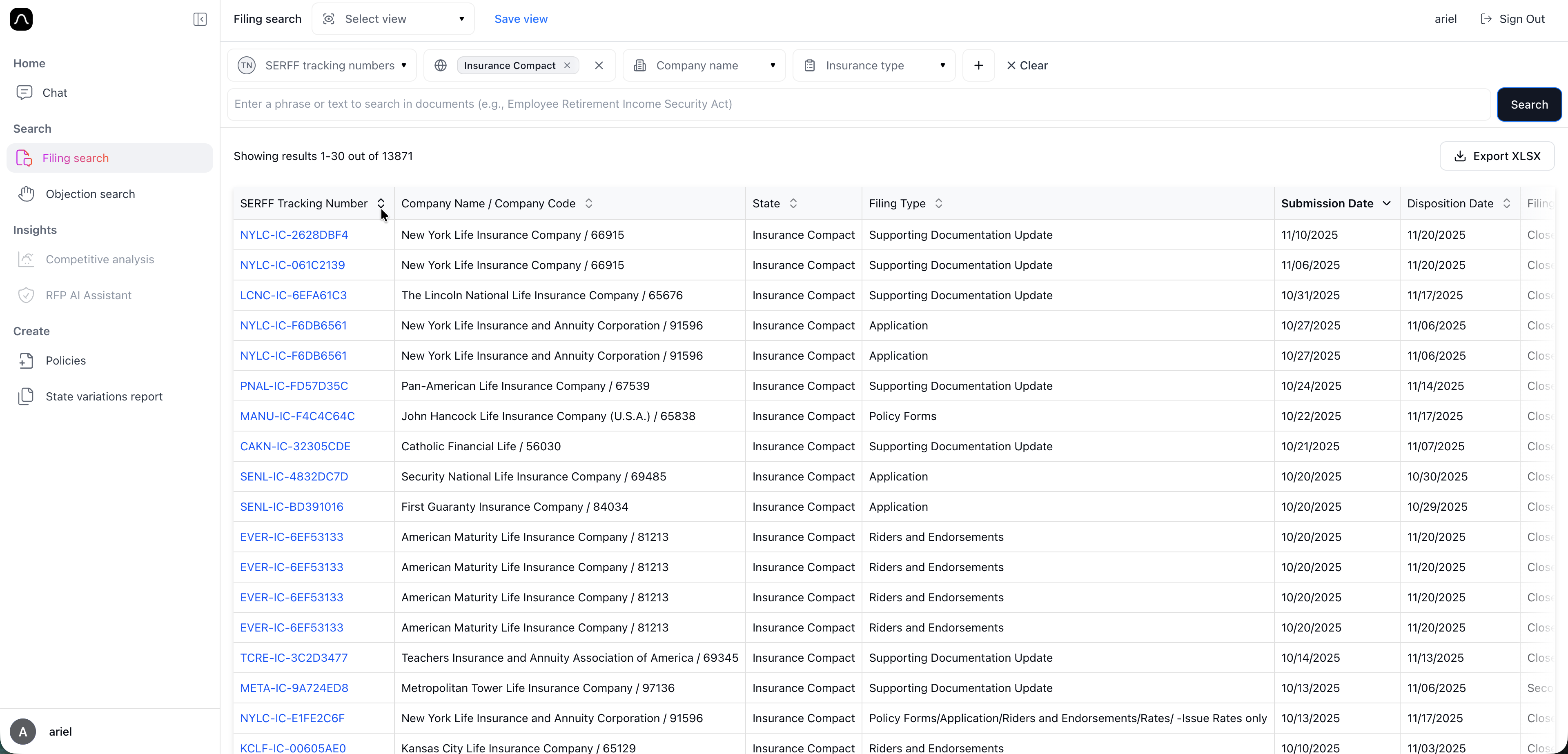
🧠 Tip 3: Scroll to the bottom and use arrows to navigate pages