4.3 Text search
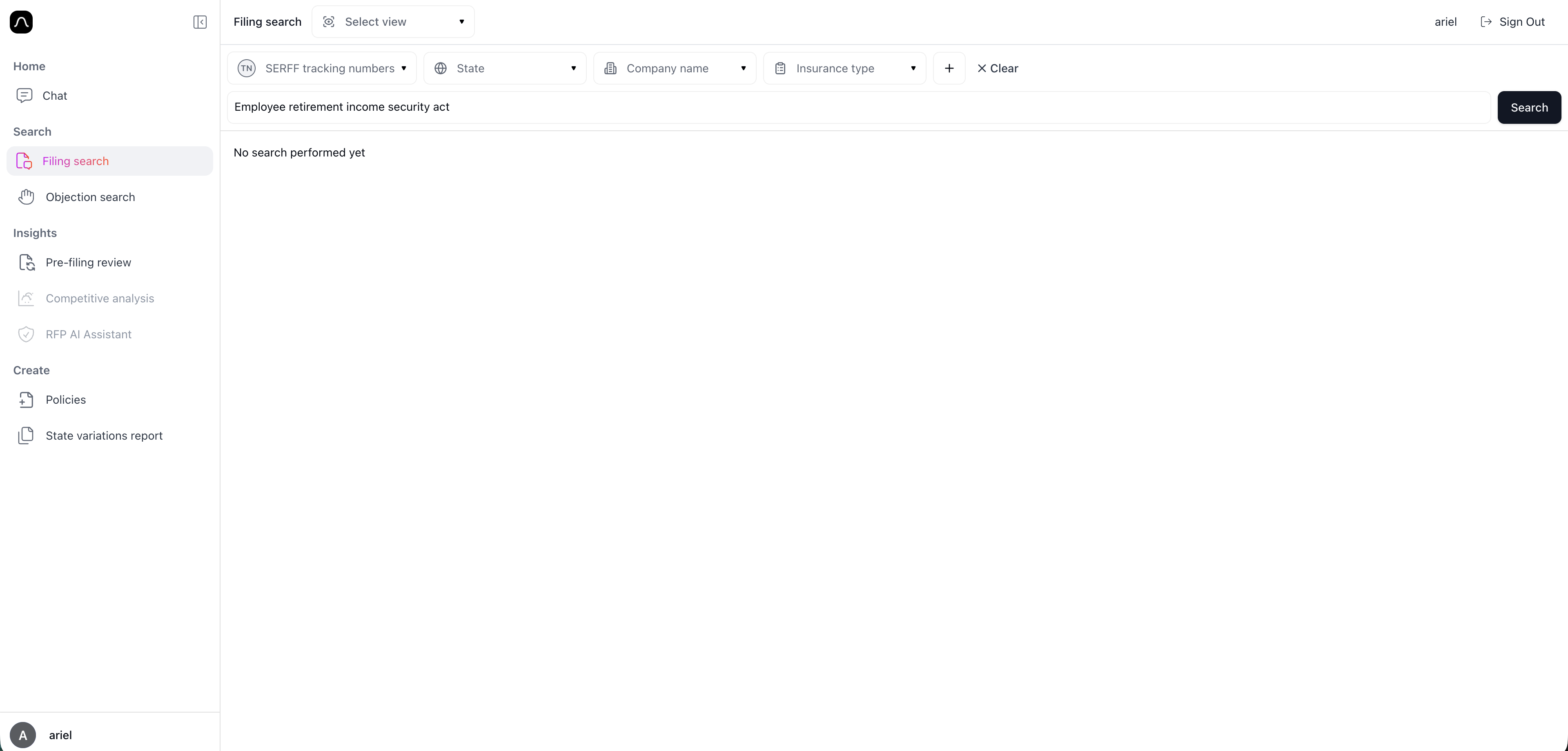
Text Search allows you to search for specific language, concepts, or phrases across filings, using meaning-based search rather than simple keyword matching. This helps you quickly identify relevant documents, similar language patterns, or related sections without manually reading through filing packages.
You can enter any phrase into the search bar, such as a statutory reference, product feature, disclosure requirement, or concept you want to locate. Blaise will return filings that contain similar meaning, even if the wording is different.
For example "Employee Retirement Income Security Act"
Use Text Search to:
- Find where similar language appears across multiple filings
- Identify competitor filings with comparable provisions
- Locate specific policy sections or terms across documents
- Discover patterns in disclosures, definitions, or forms
You can refine results using the same filters available in Filing Search (state, company, line of insurance, product type, etc.).
Supplemental Health is not available yet for the chat. So the filing search with key words is a great option. Using the Filing Search, we can find relevant files, and can then use Objection Search or Chat with Documents to drill down further.
-
I am doing a filing adding simplified underwriting to an existing IDI product. Using the Filing Search, we can find relevant files, and can then use Objection Search or Chat with Documents to drill down further. Select filters and then a. Type: Simplified Underwriting platform
-
We want to add more robust mental health coverage to our LTD policy. Select filters and then a. Type: Mental Health Coverage
-
We are thinking about expanding our group specified disease policies to include some new diseases. I want to find policies of other companies that may have more unusual diseases included. Select Filters a. Type: Autism Spectrum Disorder