4.1 Searching for Filings
You can filter filings by:
- SERFF Tracking Number
- Form Numer
- Line of Insurance
- Market type
- Insurance type
- State
- Company name
- Filing status
- Submission date
- Disposition date
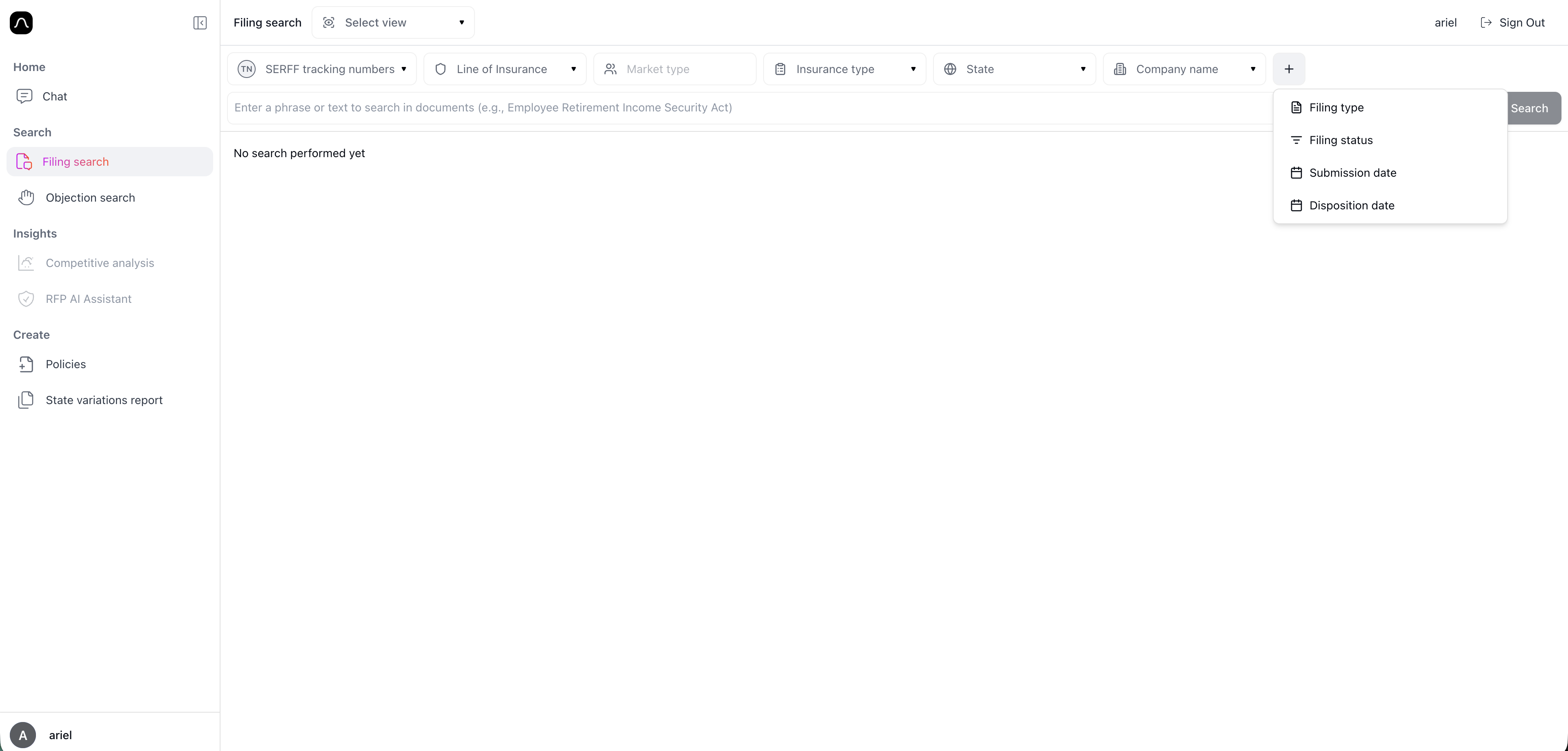
-
For each filter, you can select one, multiple, or none of the options in the menu, depending on how broad or narrow you want your search to be.
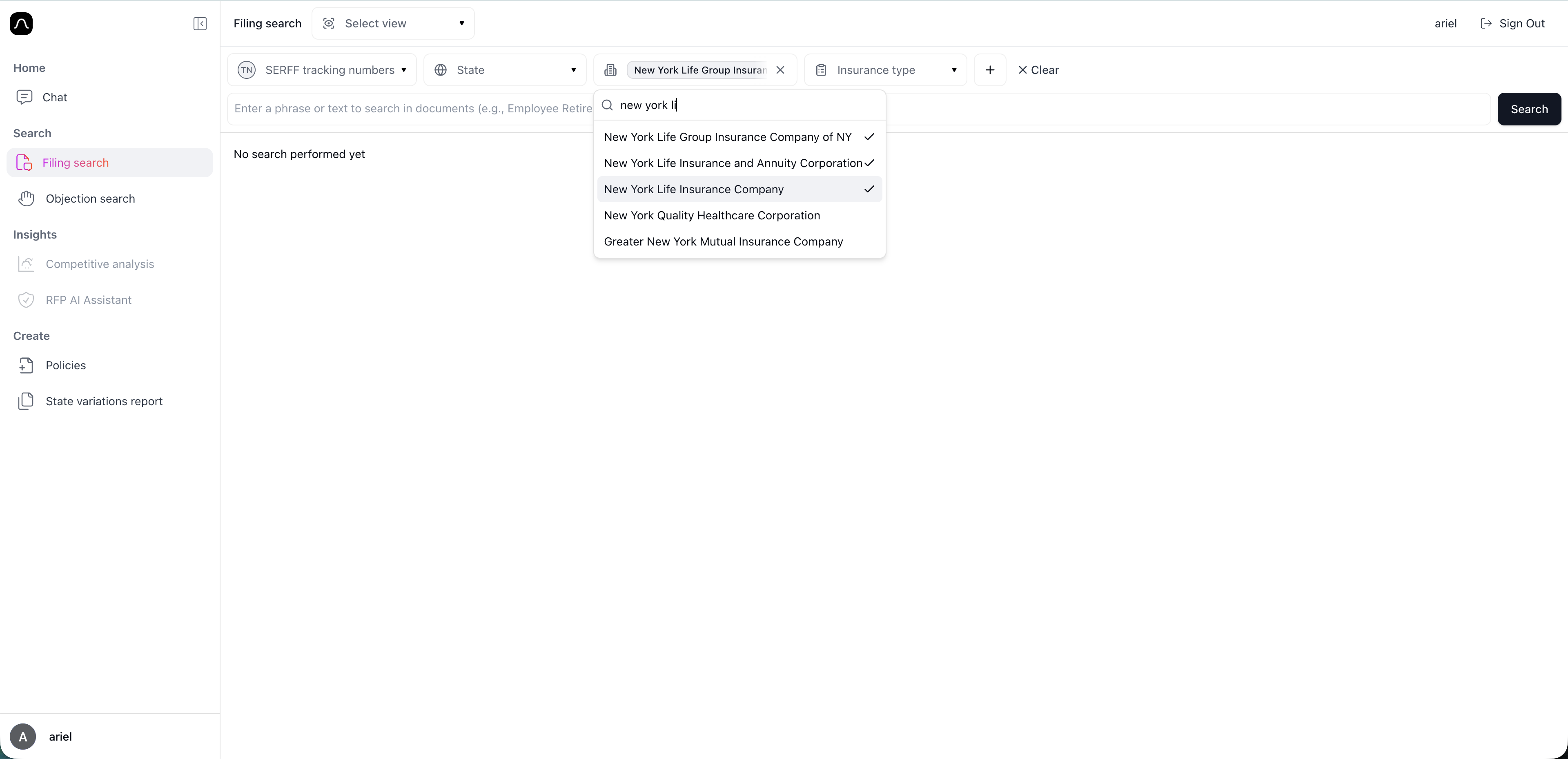
-
You can also type free text inside any dropdown to quickly search and select the value you need.
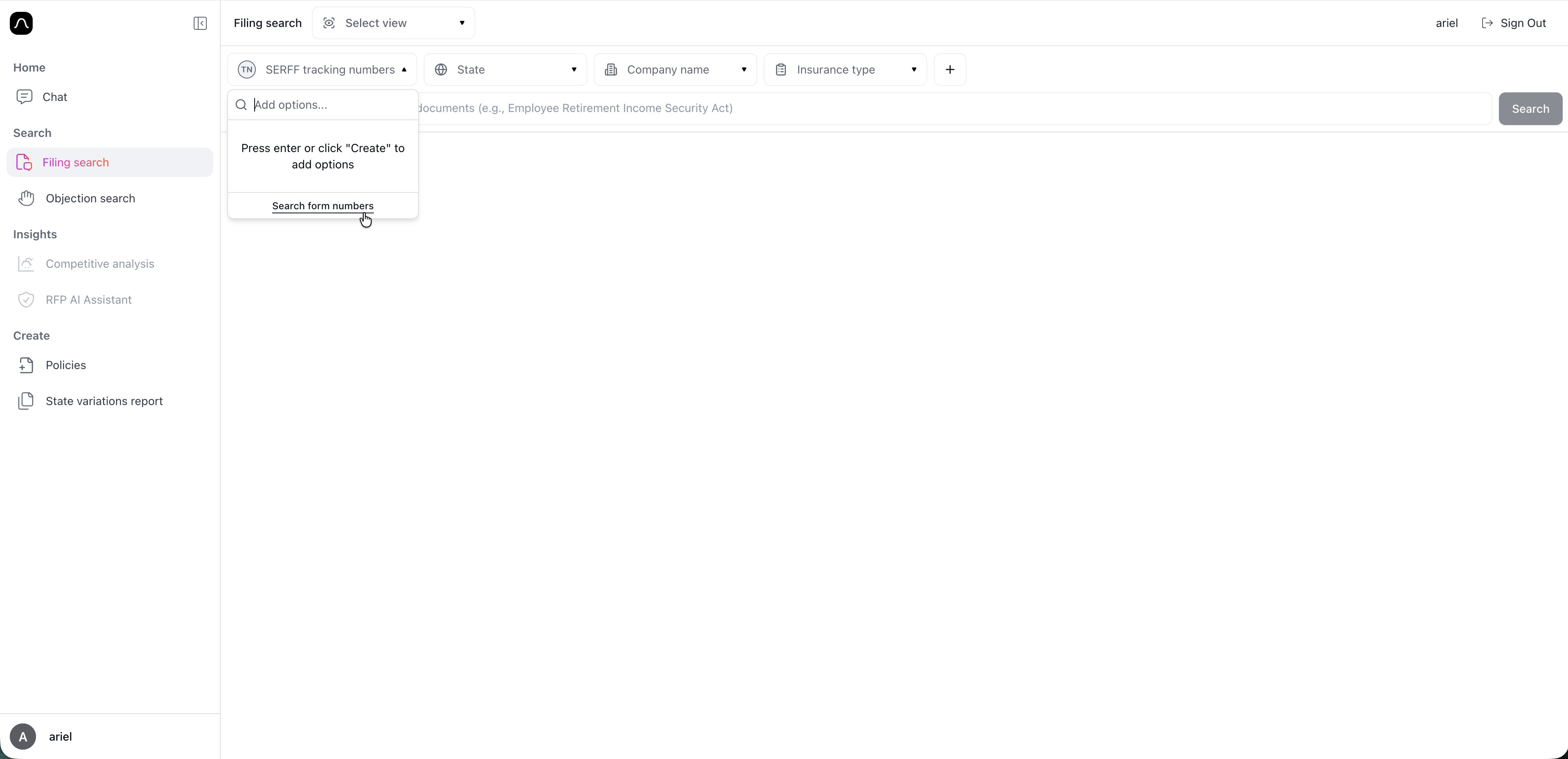
- To change between SERFF tracking number and Form number open the SERFF tracking number drop down and select "Search Form Numbers"
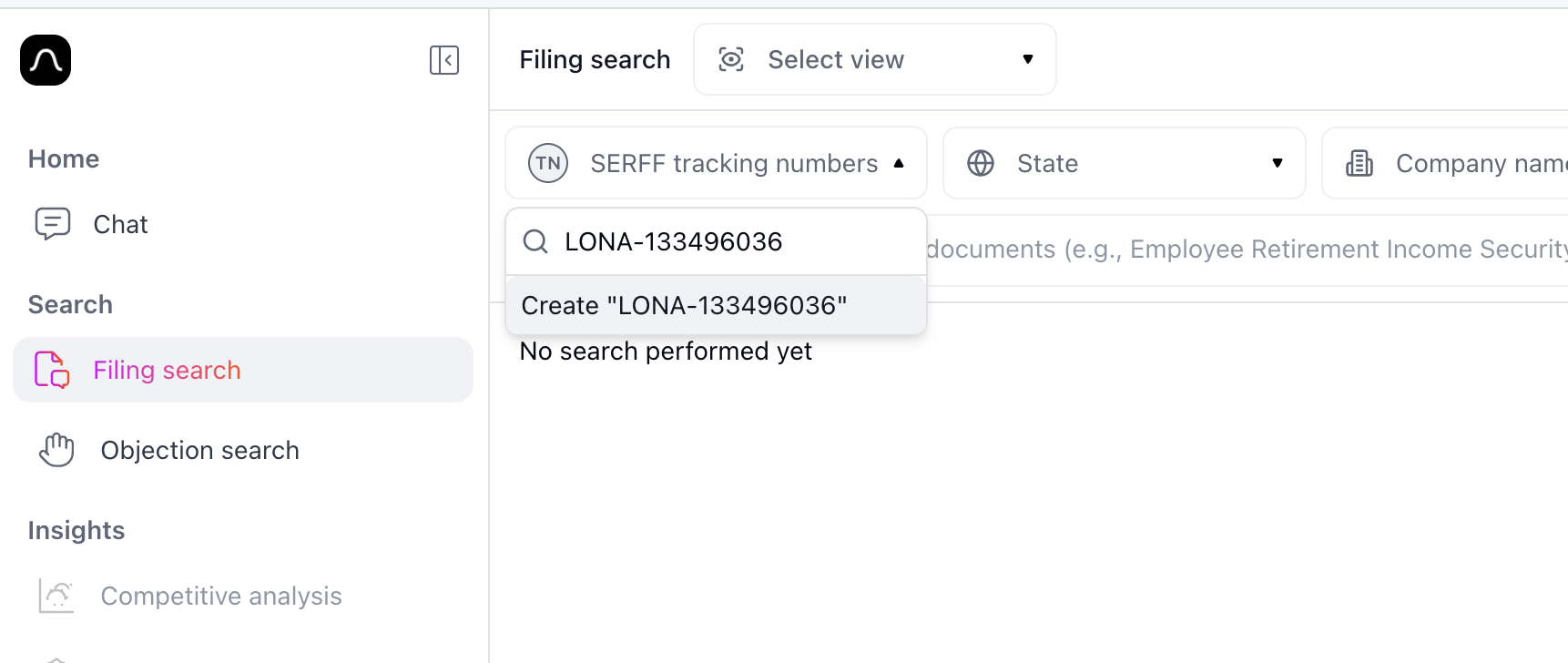
-
To search for a SERFF tracking number or a form number, add the number and click enter or the create "number"
-
You can select multiple numbers
- Add additional filters with the "+" button
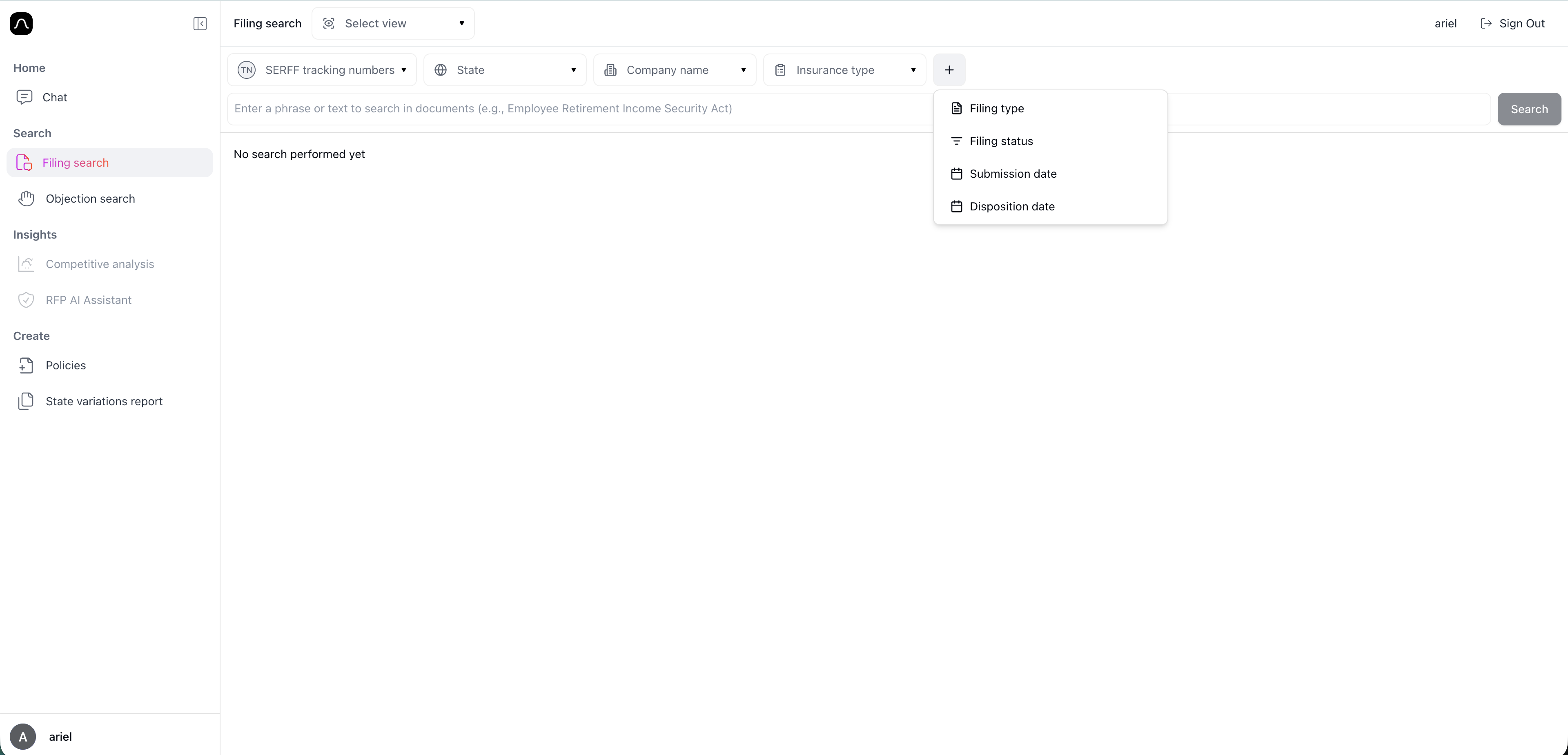
- Click Search to see results