4.6 Filing Details
Inside a filing, you can:
-
View all documents included in the submission
-
Read summaries
-
Access the filing's information
-
Review Filing's outcome
-
Send any document to Chat with Documents for deeper analysis
-
Click any blue tracking number to open the filing in a side panel.
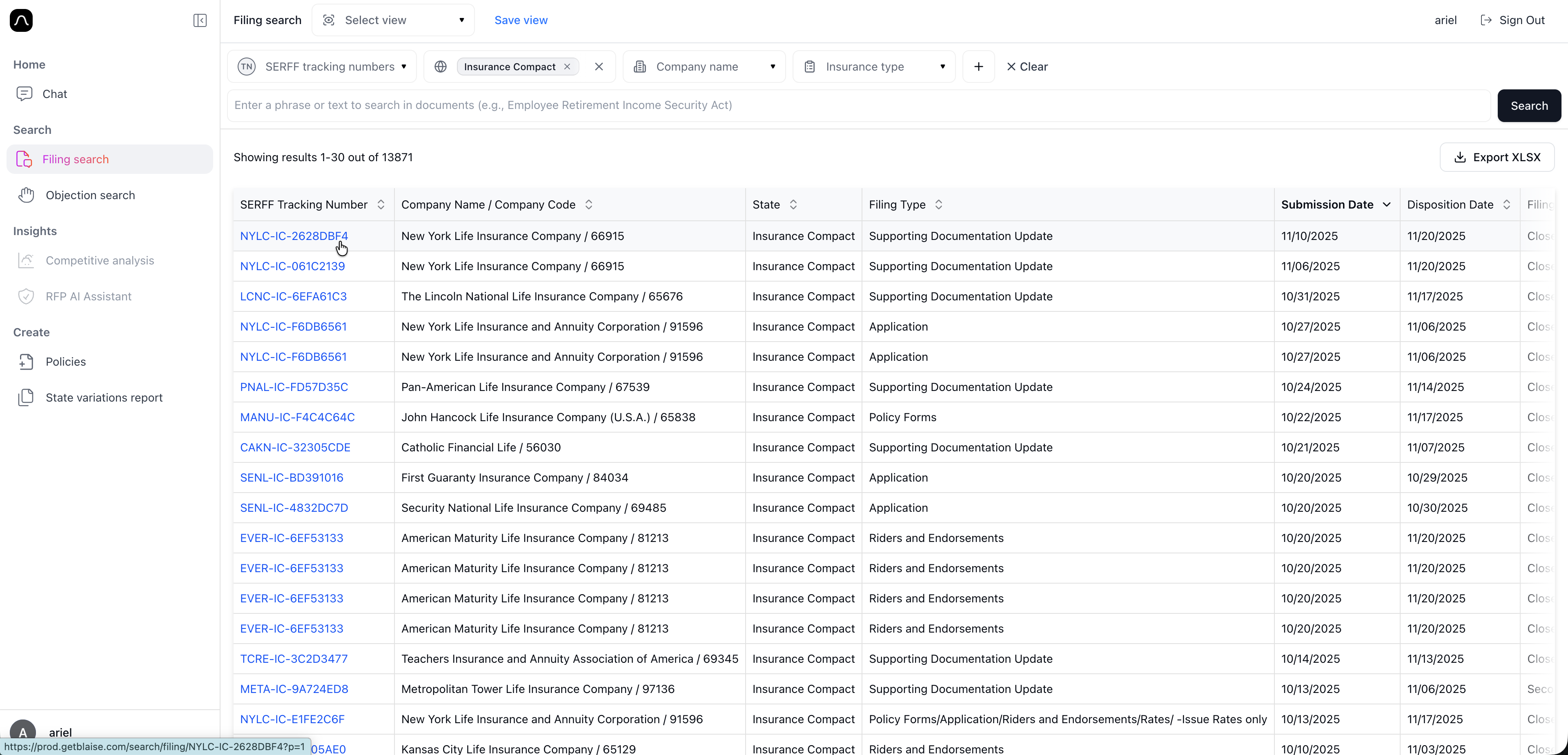
- Click any blue tracking number to open the filing in a side panel.
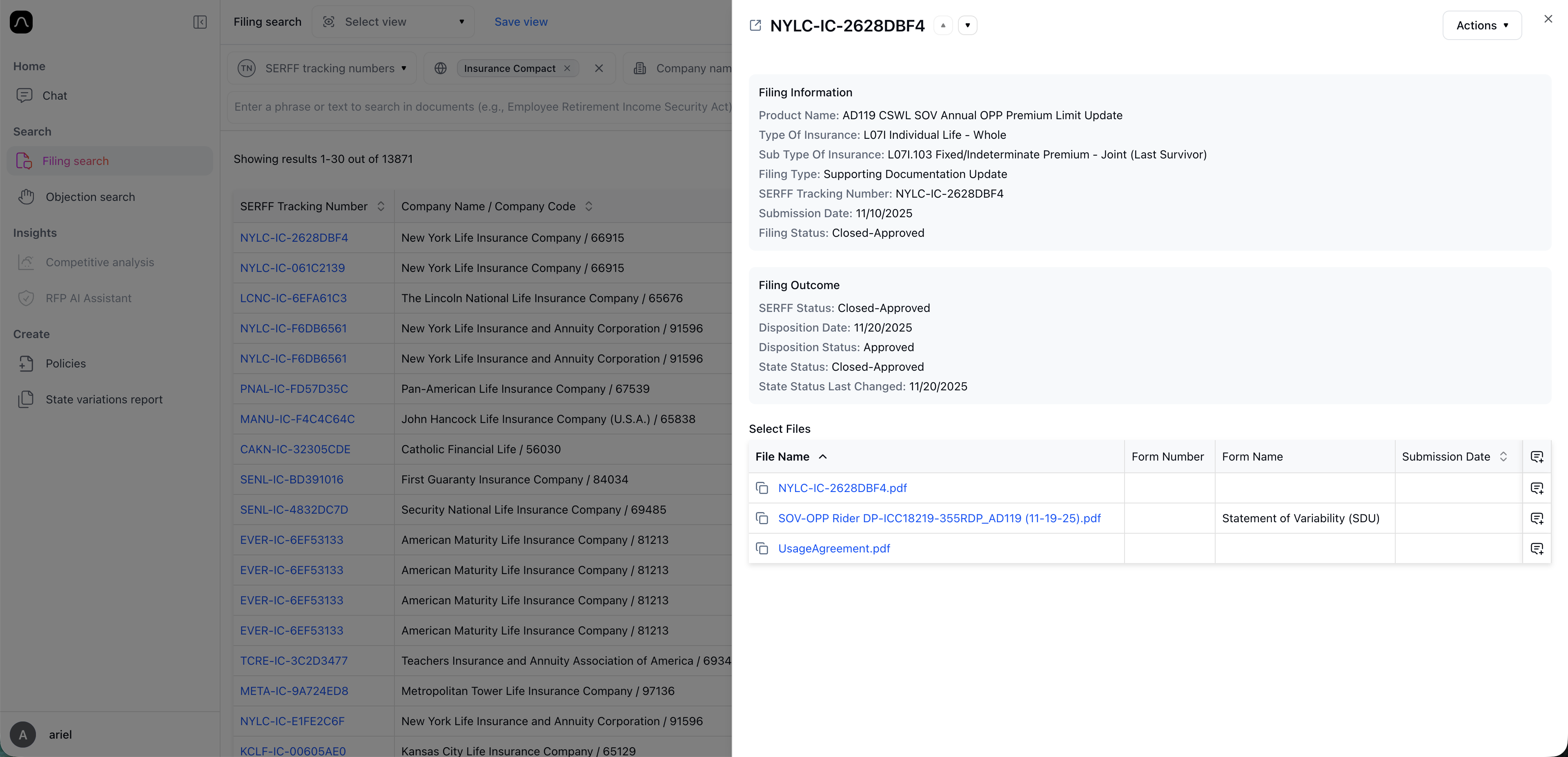
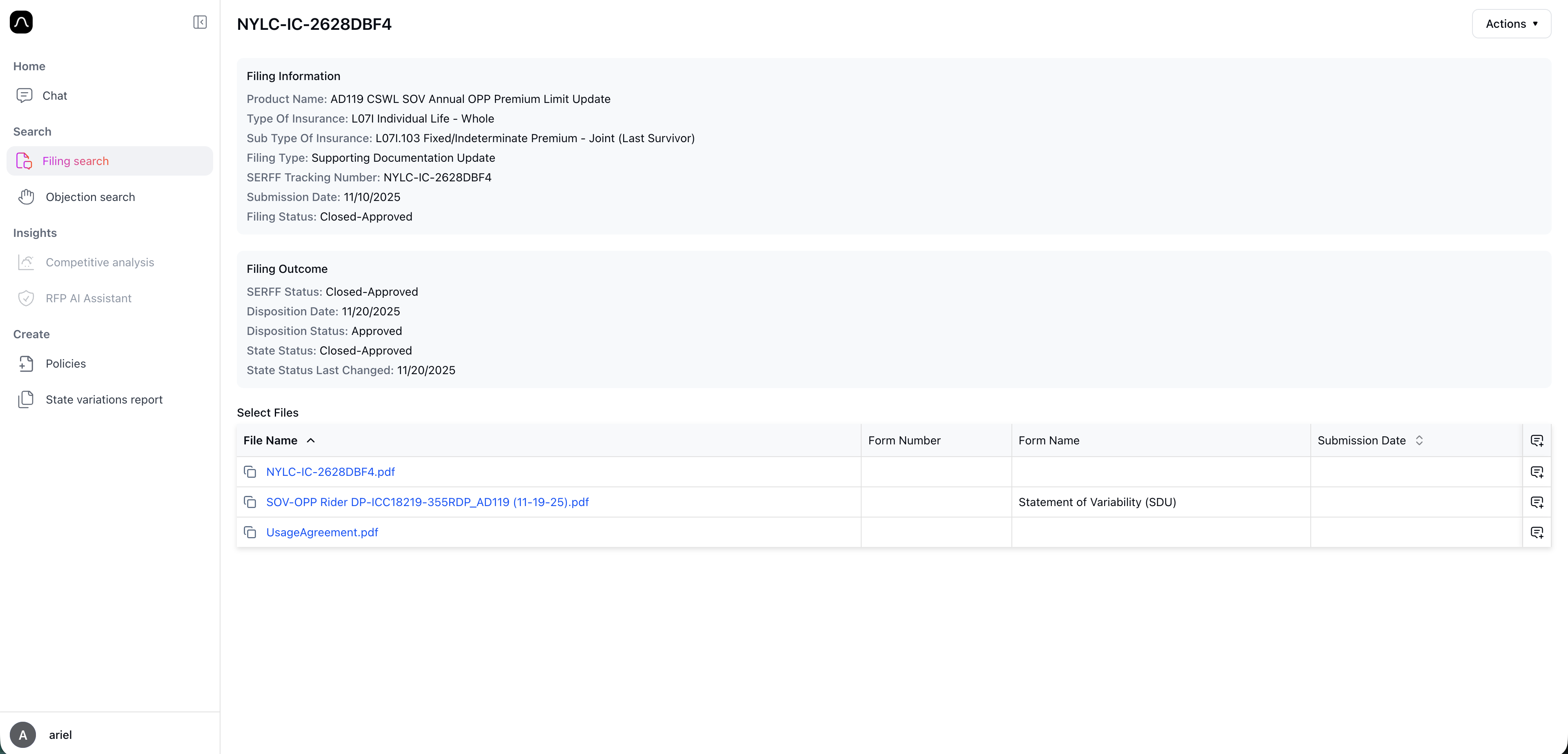
- To expand to a full screen, copy the page URL at the top, open a new tab on your browser, and paste the URL in the new tab.
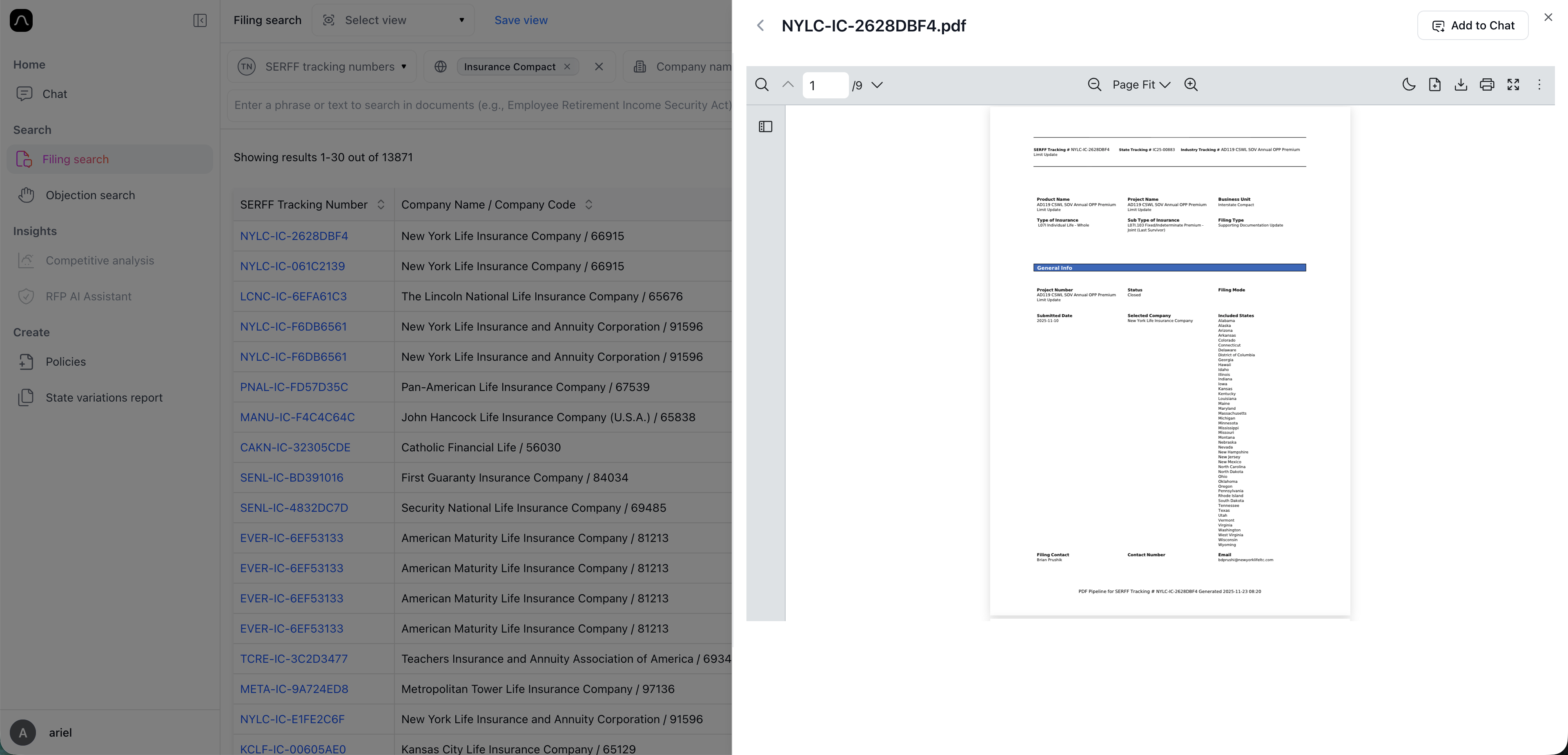
- To view a specific file, click the blue file name. This will to open the PDF. Once open, you can do standard PDF stuff: Zoom in/out, Scroll, Add comments (scribble on top!), Download or print
Having trouble viewing documents? Don't hesitate to reach out at support@getblaise.com