2.1 Login with Email Verification Code
This method appears automatically if your organization uses email-based verification.
Go to https://prod.getblaise.com
Blaise Tip: Create a bookmark on your browser for easier future access! Just click the start icon ⭐located in the address bar (right side)
-
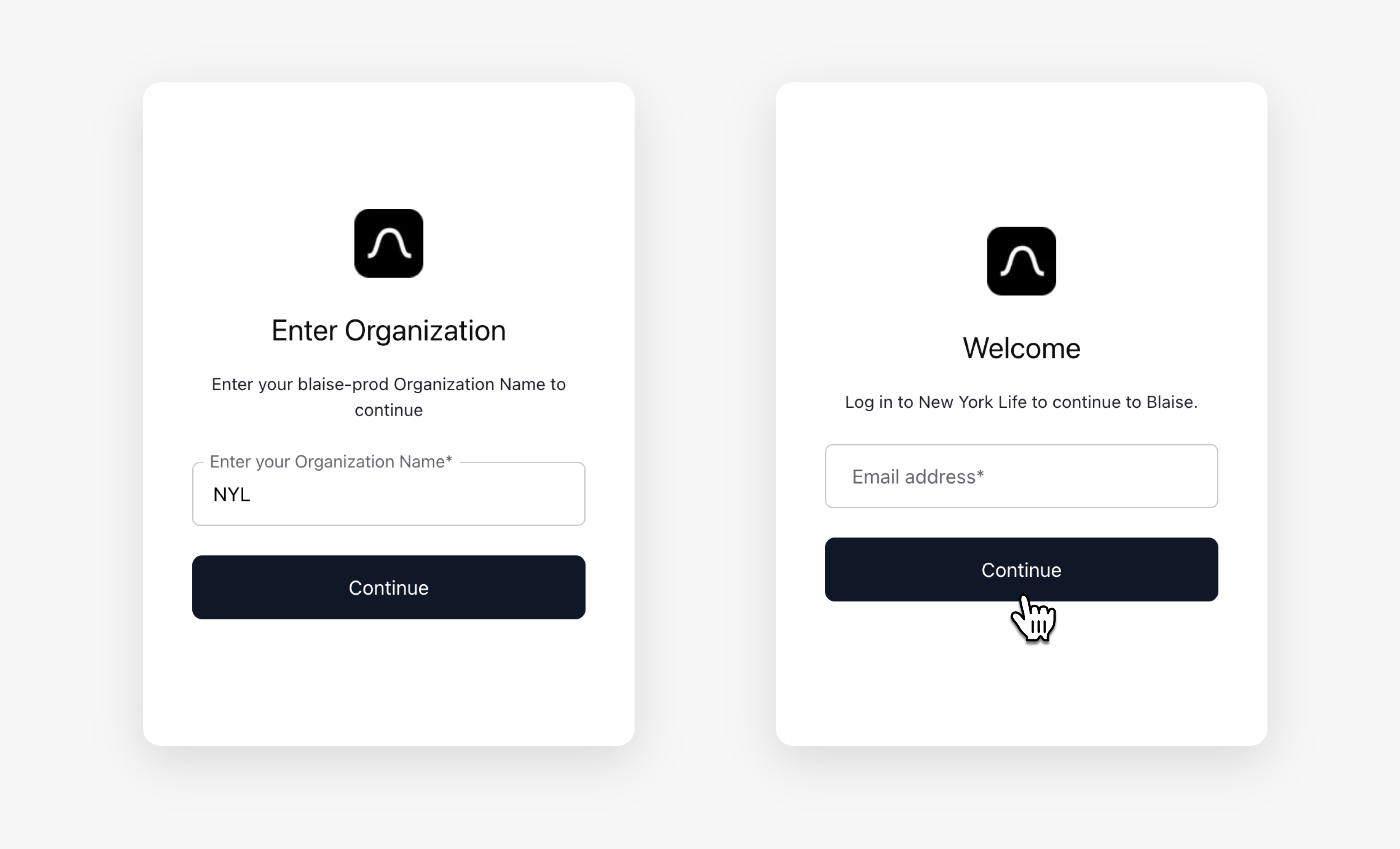
Enter your Organization Name on the login screen.
-
Enter your email address and click Continue.
-
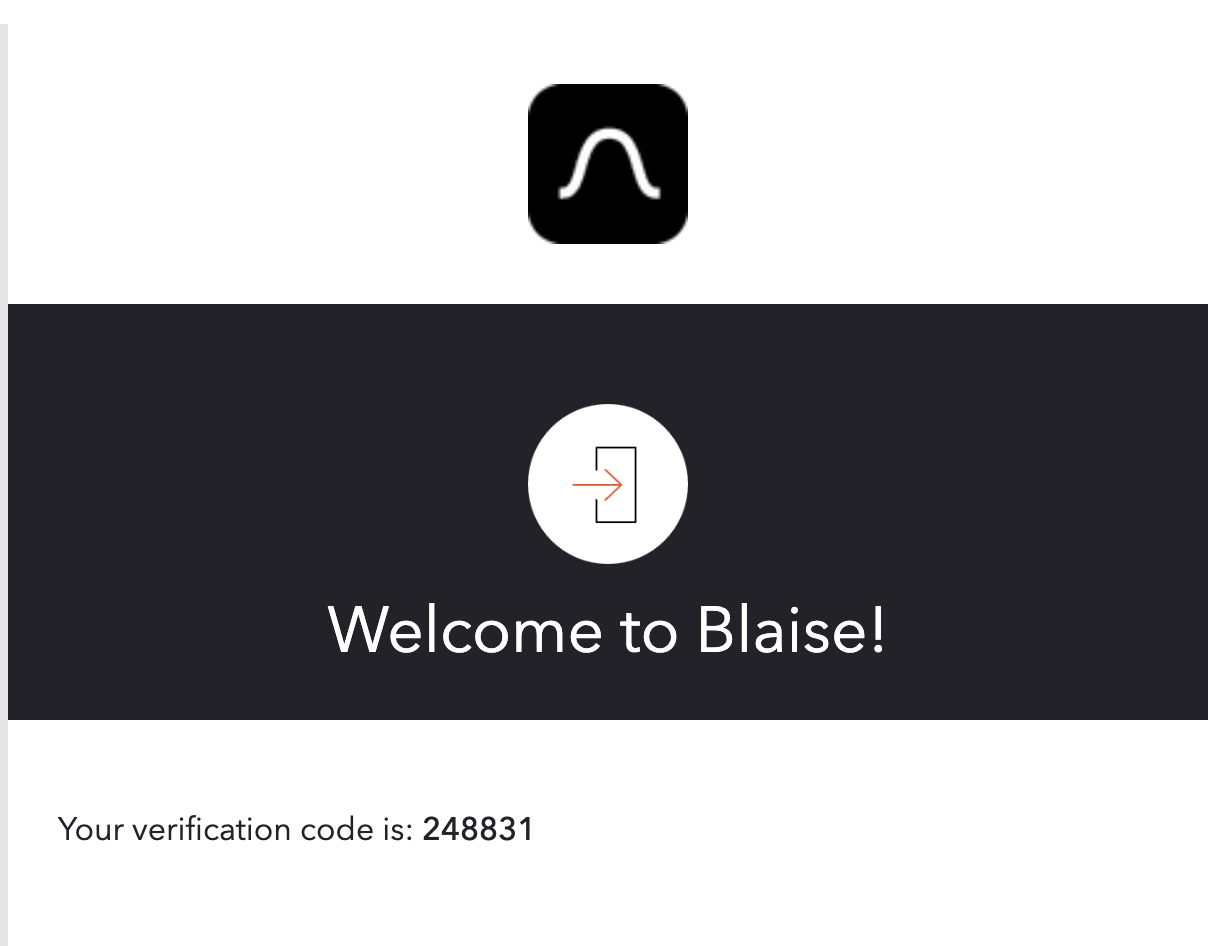
Check your email for a verification code.
-
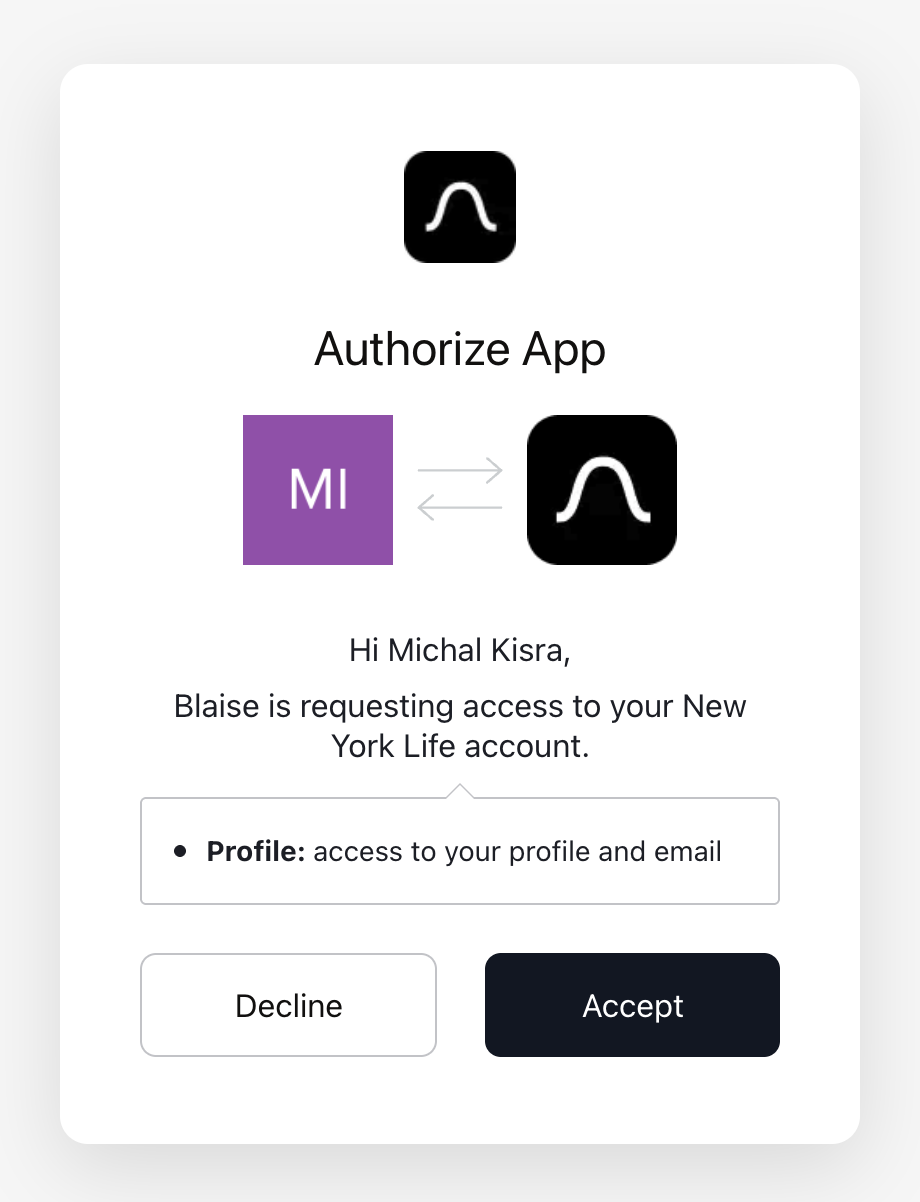
Approve access when prompted. This only allows Blaise to see your name and email to create your account. Blaise cannot access your emails or any other information.
-
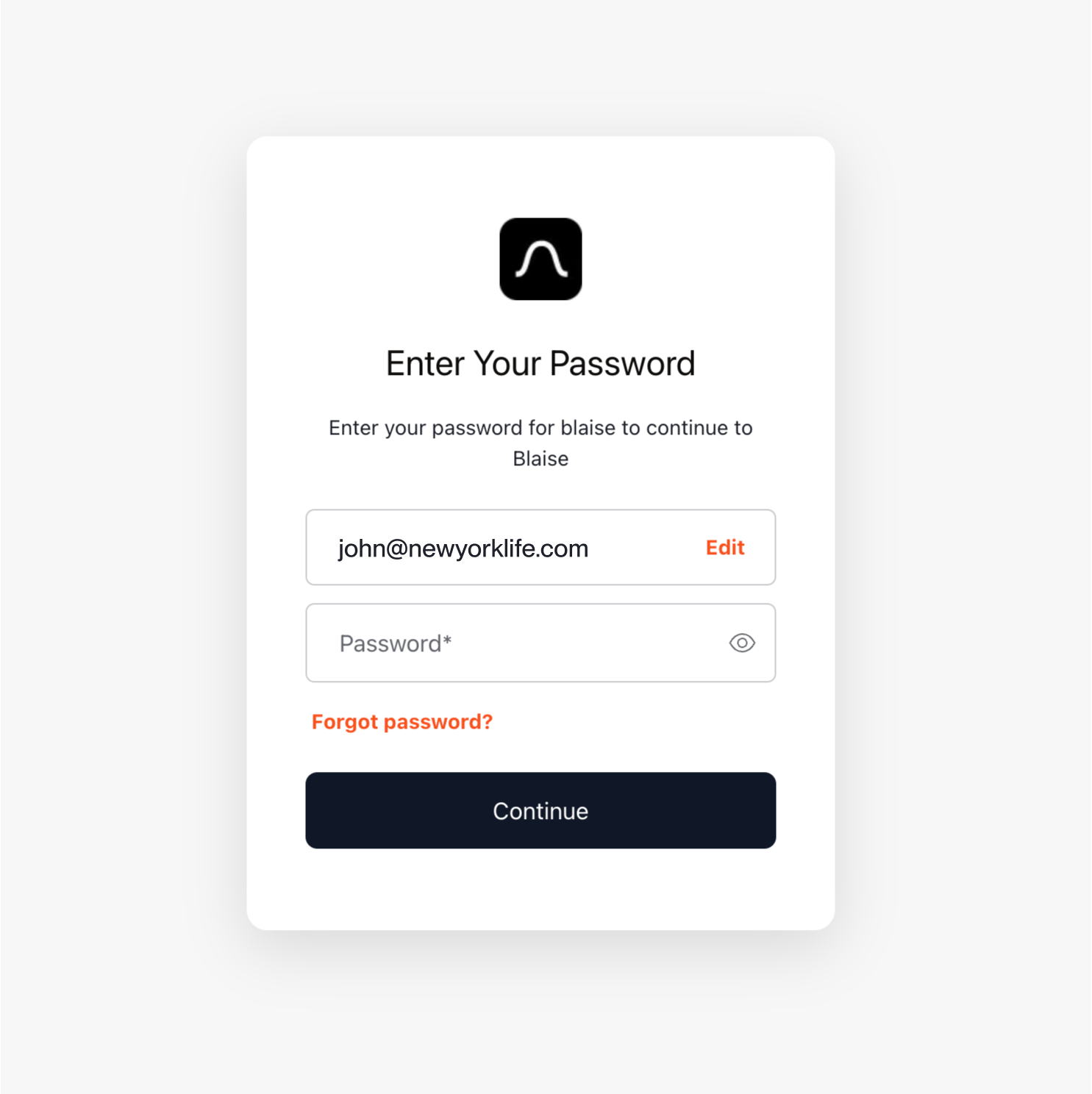
Enter the verification code on the screen.
🎉 You're in! You can now search filings and get powerful insights.
Trouble logging in or seeing unexpected behavior? Contact us at support@getblaise.com