5.1 Searching for Objections
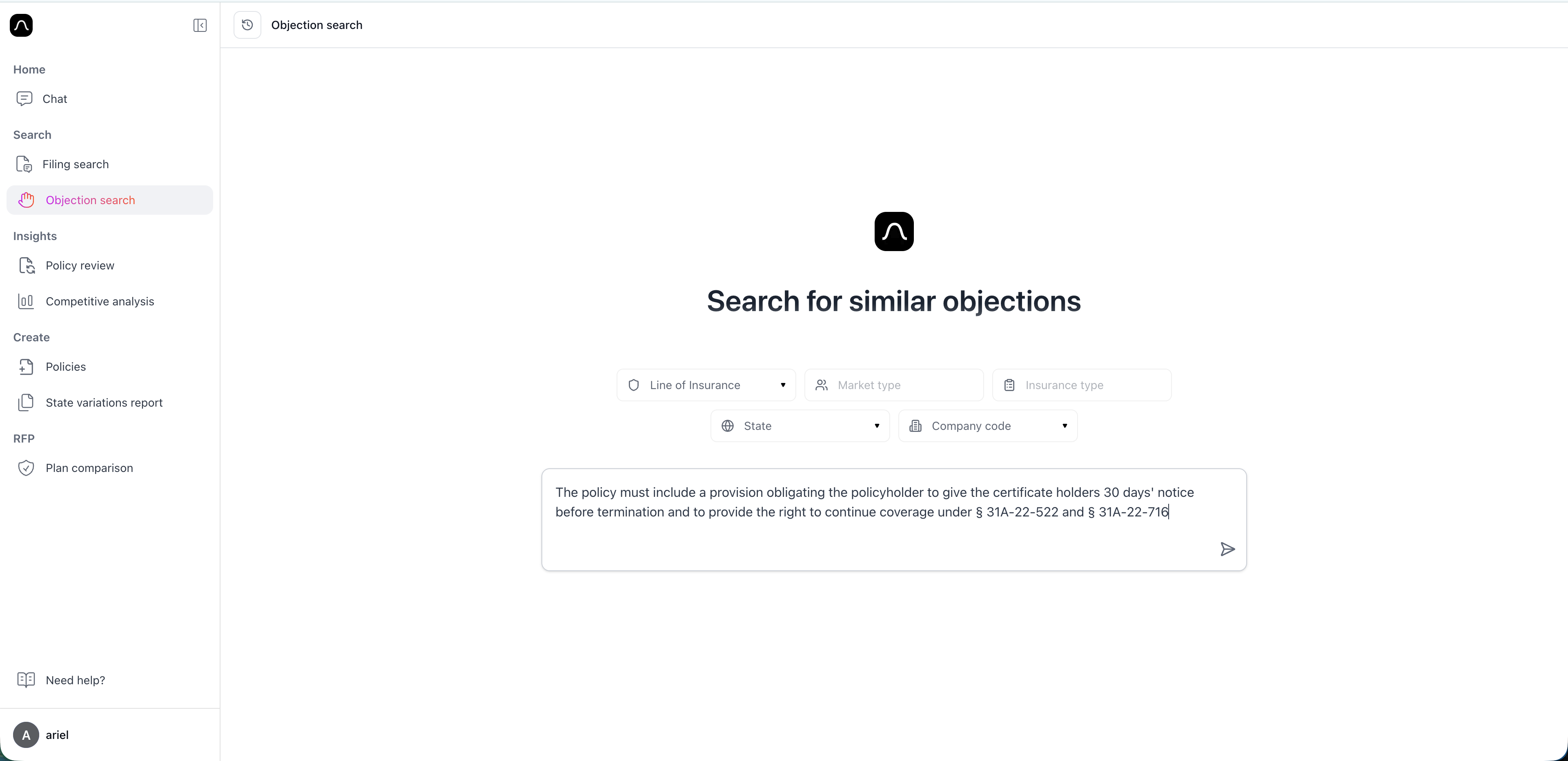
You can filter objections by:
- State
- Insurance type
- Company name
You can type free text inside each dropdown to quickly find values.
Important: Use the actual objection text for best results
While Objection Search supports natural-language queries, it works best when you copy and paste the exact language of an objection into the search bar.
Instead, copy a specific objection paragraph—such as from SERFF correspondence—and paste it directly into the search bar.
The system is designed to match objection wording, and will give the most accurate results when you provide the actual text.
Use Objection Search to:
- Understand what types of issues regulators commonly raise
- See how similar objections were handled across states
- Review objections for a specific filing or product
- Validate your own policy drafts before submission
- Support state variation or policy updates with real data
- Identify patterns in regulatory behavior across companies or product lines
Enter the objection in the search text area
Having trouble? We're here to help — just email us at support@getblaise.com